Jump to main content

Computer workstations

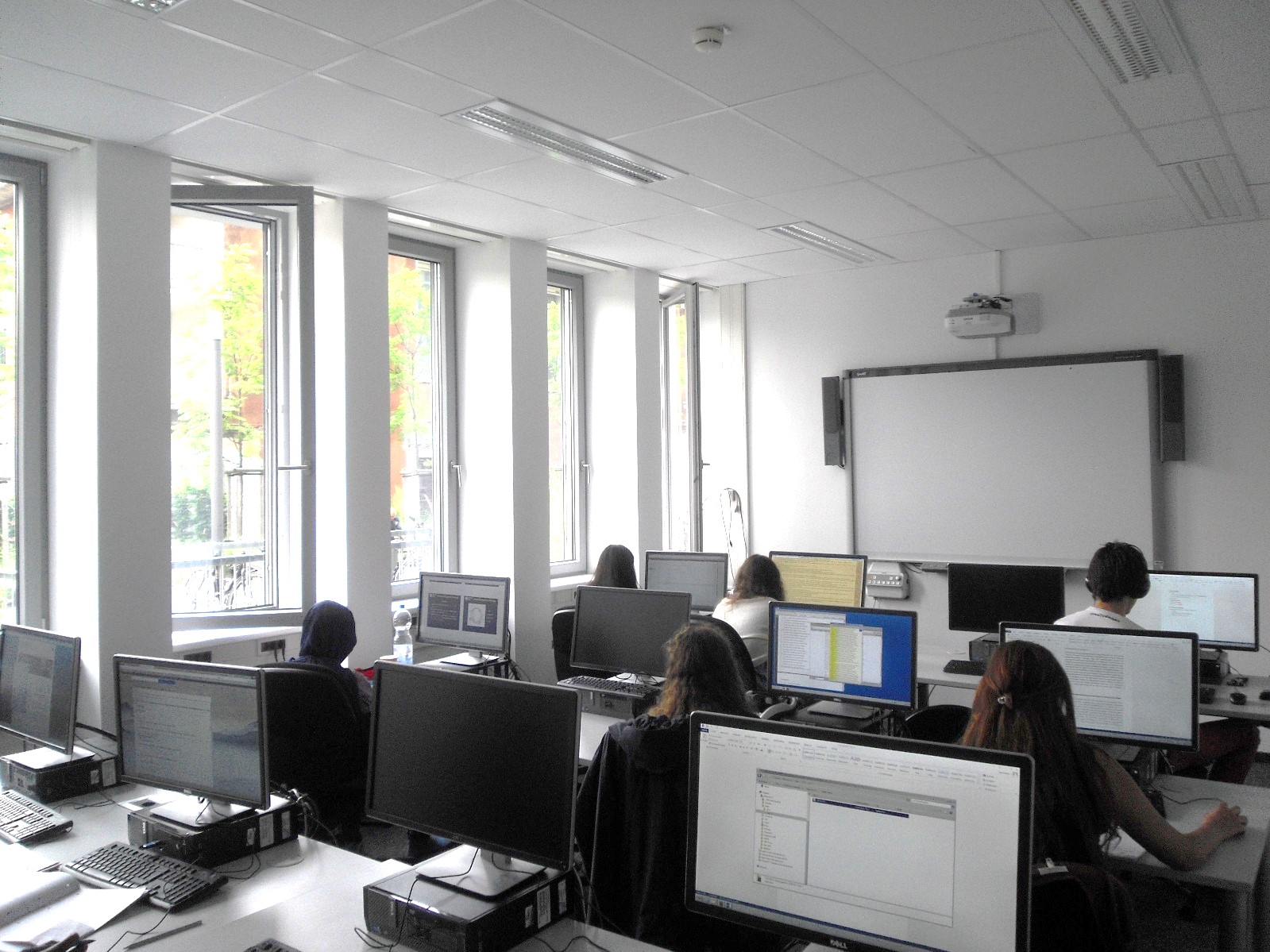
You will find public computer workstations in the ITCC. You will need a student, guest or personal account to log in to the computers.

Courses and events also take place in the rooms. During this time, the rooms are not open to the public.

Locations & opening hours of the ITCC computer workstations

ITCC
AdressWeyertal 121
50931 Cologne
Building 133
MapITCC Map
Opening TimesMonday to Friday: 9:00 a.m. - 3:45 p.m.
The opening hours follow those of the ITCC Help Desk.
Please Note

Closed on Saturdays.

Opening times may be subject to change if courses take place in one or more rooms. Please refer to the schedules posted online (see above), in front of the rooms or the ITCC Help Desk for more information.

Number25 computer workstations
University and City Library of Cologne
AdressUniversitätsstraße 33
50931 Cologne
Building 107, second floor
MapUniversity and City Library Map
Opening TimesMonday to Friday: 09.00 a.m. - 12.00 p.m.
Saturday and Sunday: 09.00 a.m. - 09.00 p.m.
Number36 computer workstations
Department of Biology
AdressZülpicher Straße 47b
50674 Cologne
Building 304, in the special library
MapDepartment of Biology Map
Opening Times

During the semester:
Monday to Thursday: 11.00 a.m. - 07.00 p.m.
Friday: 11.00 a.m. - 06.00 p.m.

In the semester break:
Monday to Thursday: 11.00 a.m. - 05.00 p.m.
Friday: 11.00 a.m. - 03.00 p.m.

Number30 computer workstations

Software equipment & printing

Software Equipment

The following software is installed on the computers at the ITCC (Weyertal 121):

  • Adobe Acrobat
  • Citavi
  • Endnote
  • Gimp
  • Jaws
  • Microsoft Office 2021 (with Access, Excel, Outlook, PowerPoint, Word)
  • MiKTeX
  • Mozilla Firefox
  • Notepad++
  • R
  • RStudio
  • Rtools
  • Scribus
  • SPSS Amos
  • SPSS Statistics
  • TeXMaker
  • VeraCrypt
  • VLC Media Player
  • Zoom Text
Printer

At the ITCC, a printer is available that can print double-sided. The printer is pre-installed at the computer workstations. The costs incurred are settled via the payment service provider KUARIO.

To do this, you can either download the Kuario app to your smartphone. Or if you don't want to use an app, register via the Kuario website to get an account.

Information related to the copy/print systems and the Kuraio app.

If you need help with printing, a manual for the DiGiTEXX printers in the ITCC (PDF, 684 kB) is available. If you still have questions, please feel free to contact the team at the ITCC helpdesk.


The following applies in the rooms:

Course rooms and reservation

Reserve a course room

If you have any questions or would like individual advice, please contact us by e-mail:
Computer workrooms

Availability of the course room

The availability of our course room can be viewed here.